If you are choosing between the FMC150 and the FMC130 for your fleet, the difference is neither power nor coverage: both are Teltonika Advanced with 4G LTE Cat 1. The real question is how you want to read the vehicle's CAN bus — and that changes the whole installation economics.
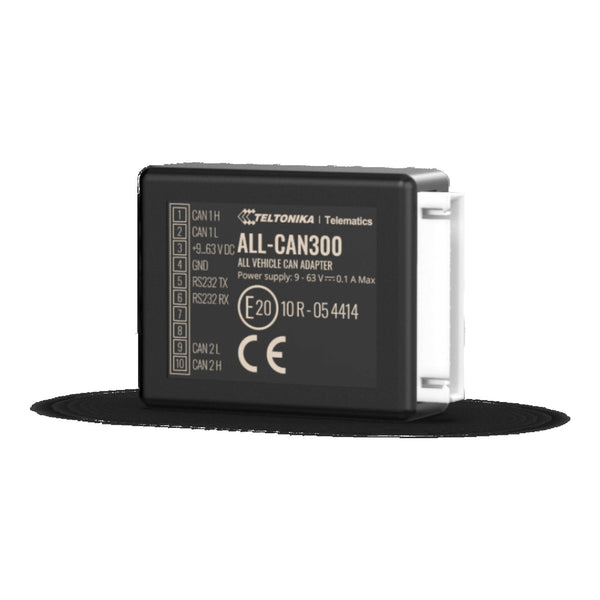
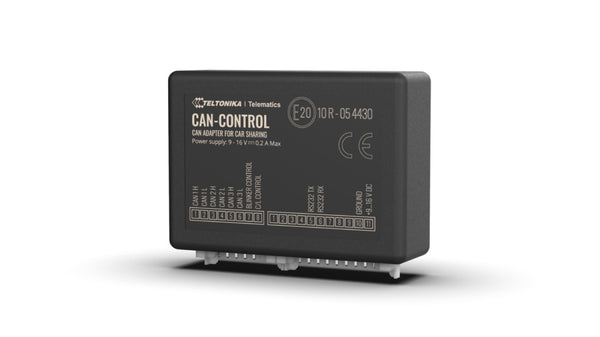
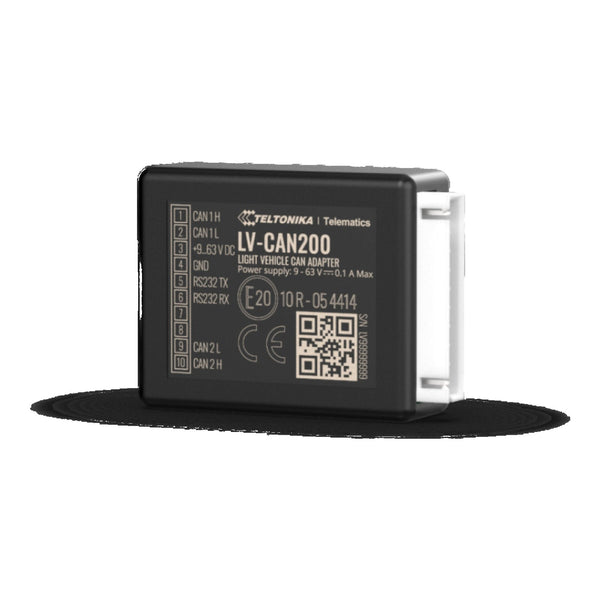
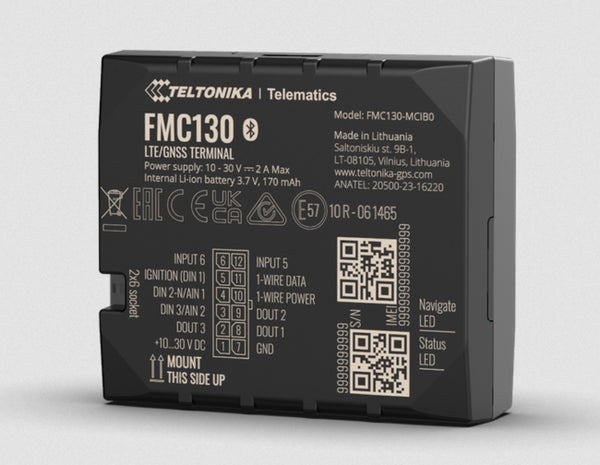
Short answer: the FMC150 has integrated native CAN, plugs straight into the car bus and reads up to 90 OEM parameters with nothing extra. The FMC130 has no native CAN: it needs to be combined with a CAN-CONTROL adapter (LV-CAN200 or ALL-CAN300) sitting between the bus and the tracker. Sounds like a disadvantage for the FMC130 but it isn't: the adapter covers ~1,500 vehicle models against the ~600 of the FMC150's native CAN, and includes older cars and trucks that the FMC150 cannot even read.
Quick comparison
| Criterion | FMC150 (native CAN) | FMC130 (+ CAN-CONTROL) |
|---|---|---|
| Connectivity | 4G LTE Cat 1 + 2G fallback | 4G LTE Cat 1 + 2G fallback |
| CAN bus reading | Native, direct to the bus | Via external CAN-CONTROL adapter |
| Supported vehicle models | ~600 (modern cars + vans + light trucks with CAN OBD-II or FMS-light) | ~1,500 with ALL-CAN300 (includes pre-2010 cars, older heavy trucks and machinery) |
| Maximum OEM parameters | ~90 (depends on model) | ~70-90 depending on CAN-CONTROL map |
| Installation | 1 connection to the car CAN bus + power. 20-30 min. | Connect CAN-CONTROL to the bus, FMC130 to the CAN-CONTROL, power. 30-45 min. |
| Average total cost | FMC150 tracker | FMC130 tracker + CAN-CONTROL (LV-CAN200 or ALL-CAN300) |
| Risk of touching the original bus | You connect the device straight into the bus | The CAN-CONTROL decouples and filters: safer against false positives from the car CAN |
| Ideal for | Homogeneous fleets of modern cars / vans | Mixed fleets, older trucks, pre-2010 vehicles, machinery |
Which parameters does each one actually read?
The FMC150's native CAN can read on a typical modern car (non-exhaustive list):
- Total mileage (OEM odometer, more reliable than the tracker's)
- Instant and accumulated fuel consumption
- Engine RPM
- OEM vehicle speed (not GPS speed)
- Fuel and AdBlue level
- Coolant temperature
- Seatbelt status
- Door / bonnet / boot opening
- Indicator and light status
- Mileage to next service
- Driver ID where the vehicle exposes it (some premium models)
The CAN-CONTROL (LV-CAN200 / ALL-CAN300) reads the same family of data, but preprocesses it before sending it to the tracker: filters noise, normalises units across brands, and lets you read on vehicles where the FMC150's native CAN would not even connect (pre-2010 Mercedes Sprinter, MAN TGM medium truck, Renault Trafic ZE electric, John Deere 6 Series).
For cases where you need digital tachograph data (European heavy trucks with J1939 / FMS standard), neither the FMC150 nor the FMC130 is the right option — you need an FMC650, which includes the interface for remote DDD download.
When to choose the FMC150 (native CAN)
The FMC150 is the right choice if:
- Your fleet is homogeneous and modern: cars from 2010 onwards or commercial vans (Vito, Trafic, Custom, NV300, Vivaro, Doblo...).
- You want one hardware piece per vehicle: fewer connections, fewer failure points, cleaner installation.
- Unit cost matters more than universal coverage: the FMC150 alone is cheaper than the FMC130+CAN-CONTROL combo.
- The installer does not want to depend on complex compatibility lists: if the model is on Teltonika's native CAN official list, plug & read.
It is the sensible choice for a fleet of 30 identical 2018 Fiat Ducato vans, for example. Or a renting company that only fits Mercedes Vito.
When to choose FMC130 + CAN-CONTROL
The FMC130 with a CAN-CONTROL is the right choice if:
- Your fleet is heterogeneous: a mix of brands, models and years, including older vehicles. A typical construction company with management cars + work vans + heavy machinery needs this.
- You need to read older heavy trucks or agricultural machinery where the FMC150's native CAN does not work: John Deere tractors, pre-2014 MAN trucks, Caterpillar machinery.
- You want electrical isolation between your tracker and the vehicle's original bus. The CAN-CONTROL acts as a barrier: if the tracker fails one day, it does not affect the car bus. In large fleets this reduces installation-related incident risk.
- You work with an installer who already knows CAN-CONTROL and prefers the familiar pattern even if it is more expensive.
LV-CAN200 vs ALL-CAN300
When you choose CAN-CONTROL, there are two models:
- LV-CAN200 — covers ~600 models of cars and light vans. Cheaper. Enough if your fleet is exclusively cars.
- ALL-CAN300 — covers ~1,500 models including medium and heavy trucks, coaches and machinery. The universal option and our default recommendation: the price difference pays for itself the first time you hit a unit the LV-CAN200 could not have read.
Typical mistakes
1. Buying FMC150 for a mixed fleet without checking the compatibility list. If you have a 2012 Renault Master mixed with 2020 Sprinters, the FMC150 will read the Sprinters perfectly and leave the Masters "dead" — GPS position only, no OEM data. Result: two monitoring systems inside the same fleet. Better from day one with FMC130 + ALL-CAN300.
2. Buying FMC130 with no CAN-CONTROL and expecting vehicle data. The FMC130 alone does not read CAN: it needs the adapter. If you buy it expecting OEM data without buying the CAN-CONTROL, you have a basic tracker (more expensive than the FMC920) without the promised benefit.
3. Mixing FMC150 with FMC130+CAN-CONTROL in the same fleet. The parameter map reaching the platform is different: the FMC150 names AVL IDs in Teltonika's native dialect, the CAN-CONTROL normalises them with its own schema. On the platform (Wialon, Traccar, Fletaro) you have to maintain two decoding profiles. If you are fitting more than 10 units, pick one of the two models and stick with it.
Final recommendation
If your fleet fits one of these two pictures, the choice is direct:
- New, homogeneous fleet, ≤30 modern vehicles → FMC150 with native CAN. Simpler, single piece, direct OEM data.
- Mixed fleet, ≥30 vehicles, varying ages, includes older trucks / vans / machinery → FMC130 + ALL-CAN300. Universal coverage and electrical isolation.
If you have doubts about a specific case — e.g. a parcel company with 80% Renault Trafic 2018 but 20% Mercedes Sprinter 2012 — message us on WhatsApp at +34 630 88 28 19 with the registration list and models. We reply with the exact compatibility list per model and the recommendation.
If you already know the model: FMC150 with native CAN · FMC130 Advanced · CAN-CONTROL Adapter.